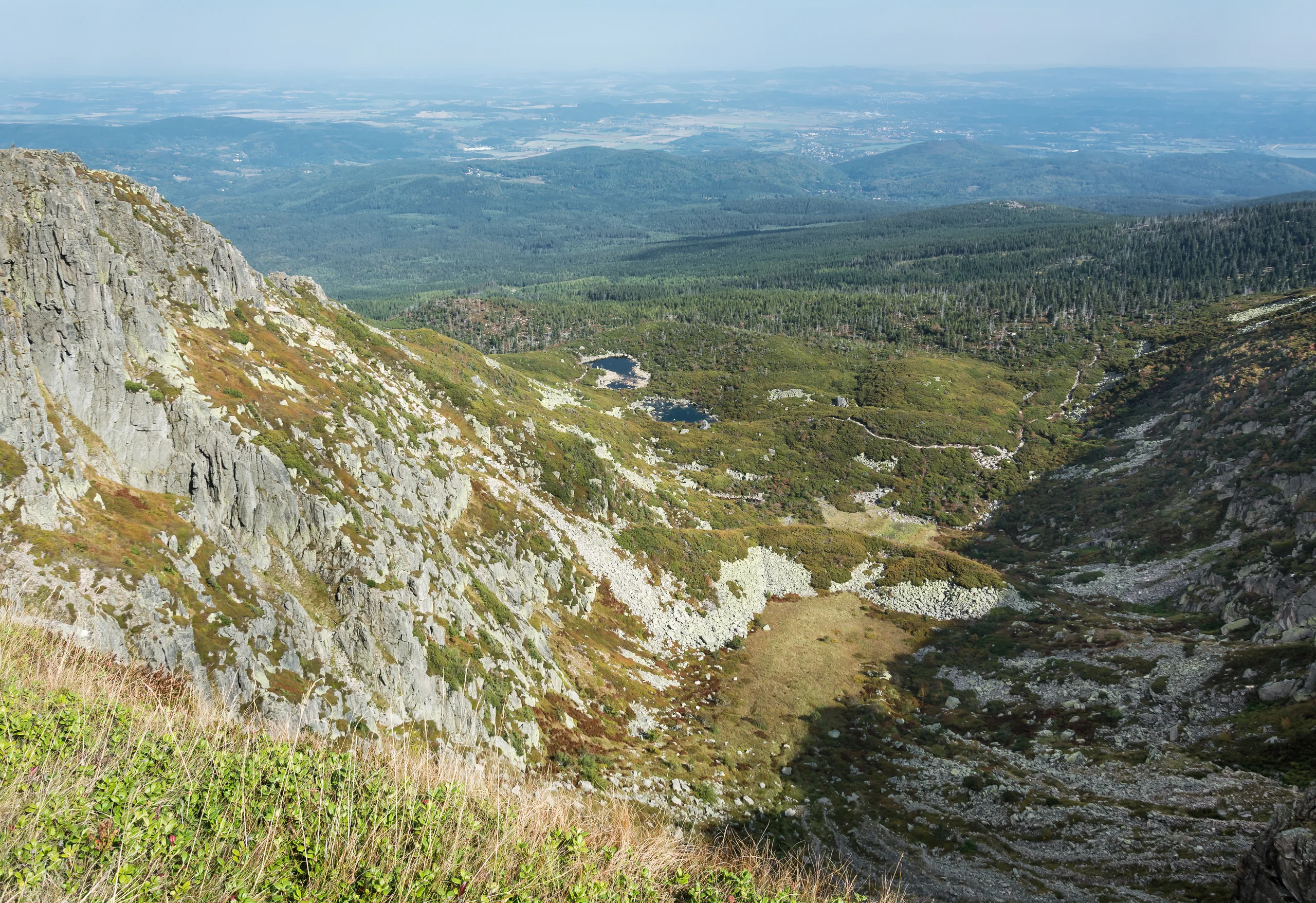
KARKONOSZE · RETURN TO START
Samotnia and Strzecha Akademicka — from Wang
Two mountain huts and the Mały Staw area. Start at Wang.
8,8 kmView route ↗
KARKONOSZE · IZERY MOUNTAINS · TATRAS · BIESZCZADY
Choose the Karkonosze, Izery Mountains, Tatras or Bieszczady. Explore 3D terrain, preview your hike and save a plan to return to.
Free public beta · no account required
Choose start, destination and stops. Compare suggestions suited to your time and fitness.
Explore the terrain and play the route in 3D before you set off.
Upload your track or save a plan. Return to it in “My routes” on this device.
FIND YOUR DIRECTION
From a mountain-hut walk to a traverse between ranges. Start with the region you want to discover.
From Karpacz and Szklarska Poręba to huts, waterfalls and ridges. Choose a hike, check its route and adjust points in the planner.
Explore suggestions ↗02 / EXPLOREŚwieradów-Zdrój, Stóg Izerski, Smrek and the crossing towards Szrenica. Explore loops and a longer A → B option.
Explore suggestions ↗03 / EXPLOREKuźnice, Palenica Białczańska and Dolina Kościeliska. Choose a suggestion, check its profile and open the matching region in the 3D planner.
Explore suggestions ↗04 / EXPLOREWołosate, Brzegi Górne and Muczne. Discover routes to Tarnica, Połonina Wetlińska and Bukowe Berdo, linked to the 3D planner.
Explore suggestions ↗A GOOD START TO YOUR HIKE
KARKONOSZE · RETURN TO START
Two mountain huts and the Mały Staw area. Start at Wang.
TATRAS · RETURN TO START
Walk to Morskie Oko and back to Palenica Białczańska. This does not include a full circuit of the lake.
BIESZCZADY · RETURN TO START
Ascent of Tarnica and return to Wołosate. Allow for steps and exposed ridge conditions.
ALREADY HAVE A ROUTE?
Upload a file, view its route in 3D and save the original track in “My routes”, without recalculating it.
See how it works ↗BEFORE YOUR FIRST HIKE
Yes. The public beta is available without an account. Map imagery, terrain and route planning require an internet connection.
Yes, in your phone browser. You can also add the map to your home screen as a PWA. Find instructions under “Install” in the map. Installation does not download offline maps.
In this browser’s storage, on this device and for this website address. Routes are not synced through an account. Download a backup in “My routes” before clearing data or changing devices.
No. Suggestions come from local OSM data, without a field audit. Check current restrictions, weather and land-manager notices. Times and elevation gains are approximate.